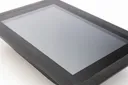
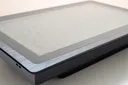
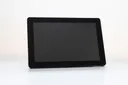
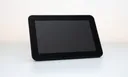
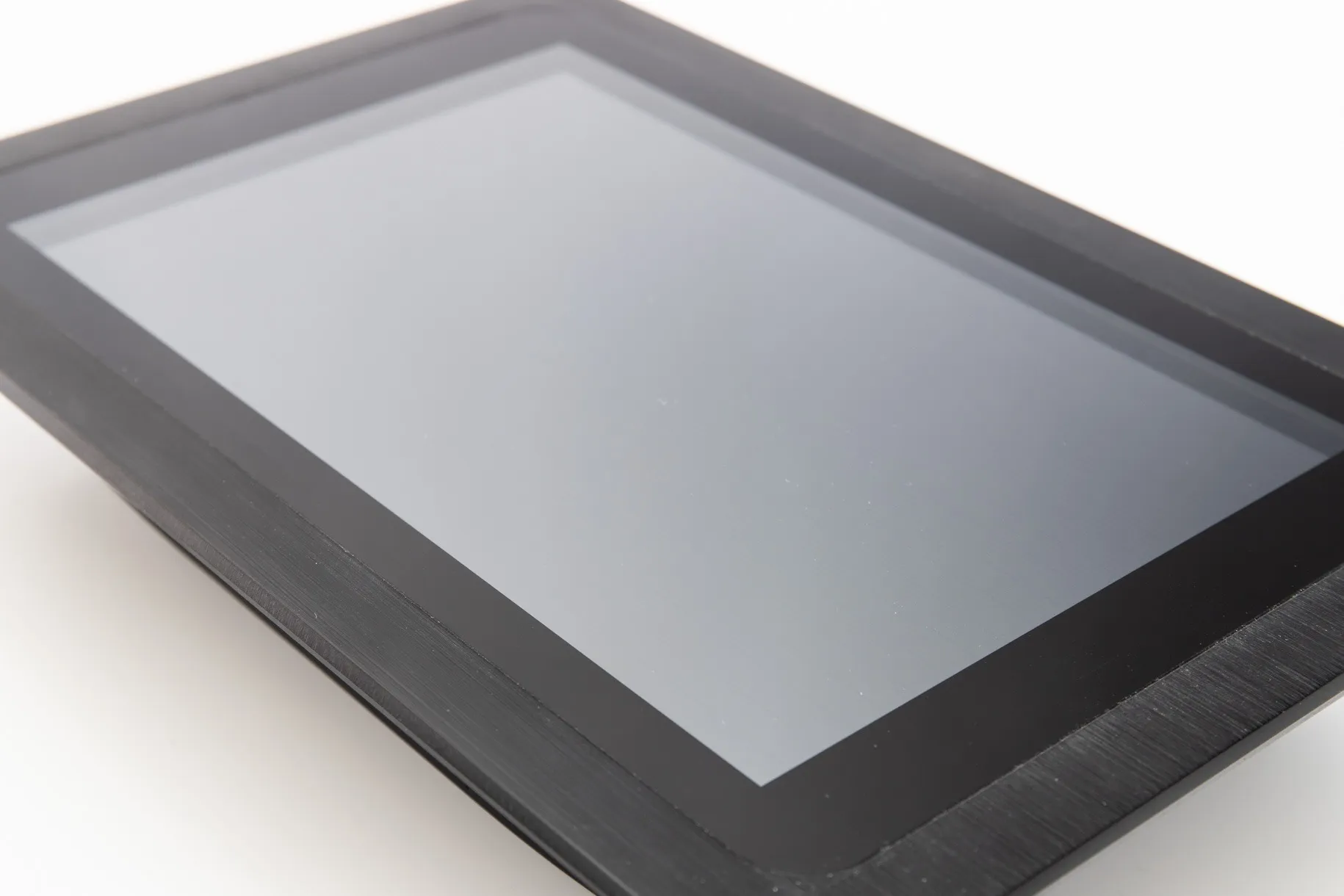
Panel screens for building controls
One screen for every controller.
Touchscreens for the panel door. Connect any controller that serves an HTML5 page with one network cable. The screen shows it, locked, every time it starts.
8 to 15.6 inchAndroid or WindowsMetal or plastic12 month warranty
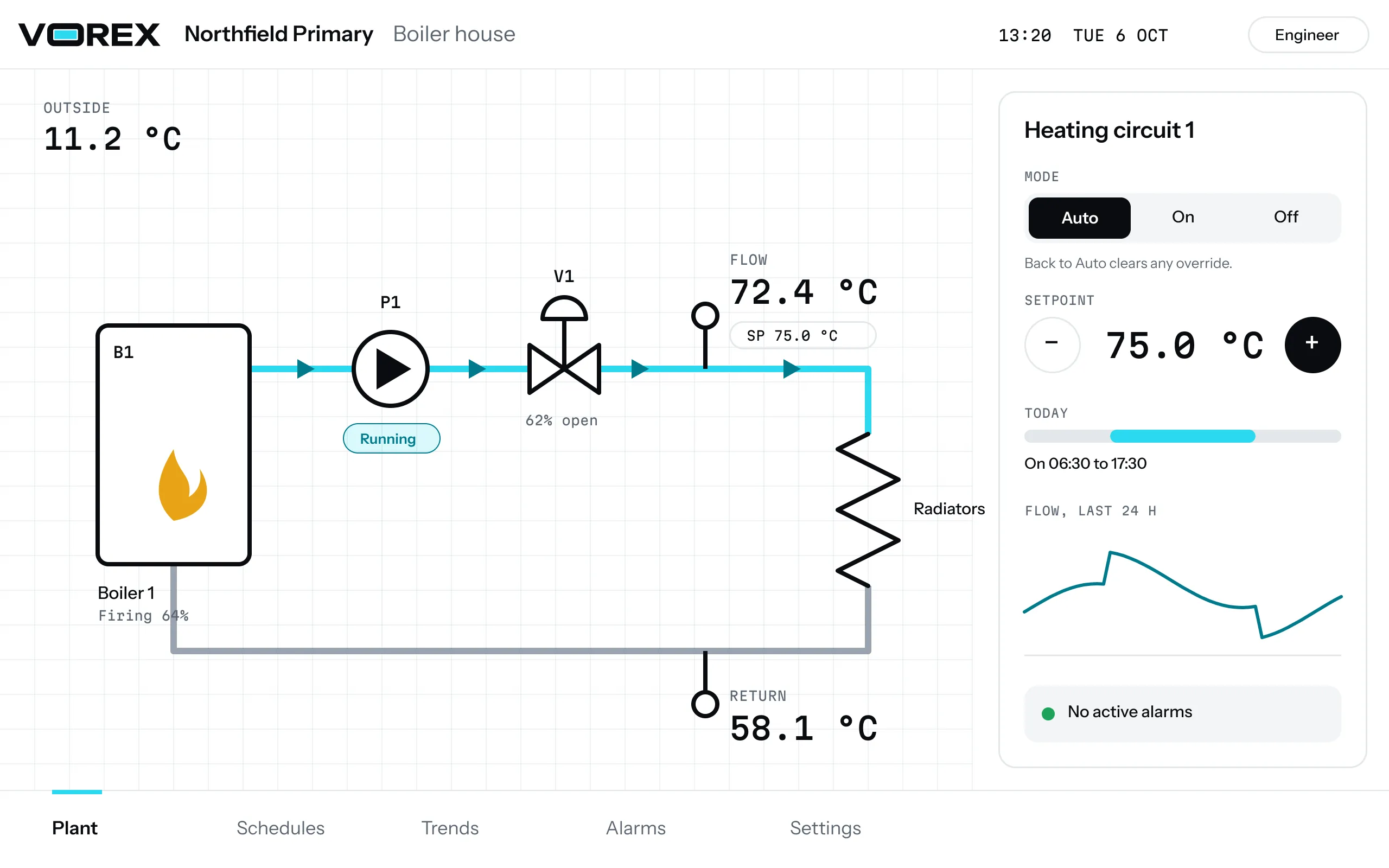
Works with any controller that serves an HTML5 page, including:
Made for the panel door.
Three things every installer asks first: will it fit, will it stay put, will it survive the plant room.
Cut, clamp, connect.
Every model has its own cut-out drawing. Cut the door, fit the four clamps and run one cable to the controller.
Locked to the job.
The screen opens on your controller’s page and stays there. Only the engineer’s PIN gets past it.
Built for plant rooms.
Metal models have an IP65 front, plastic models IP54. They run from 12 V DC and take ambient temperatures from -10 to 60 °C.
The range.
Android screens from 8 to 15.6 inches, metal or plastic. Every one ships with the Vorex App.
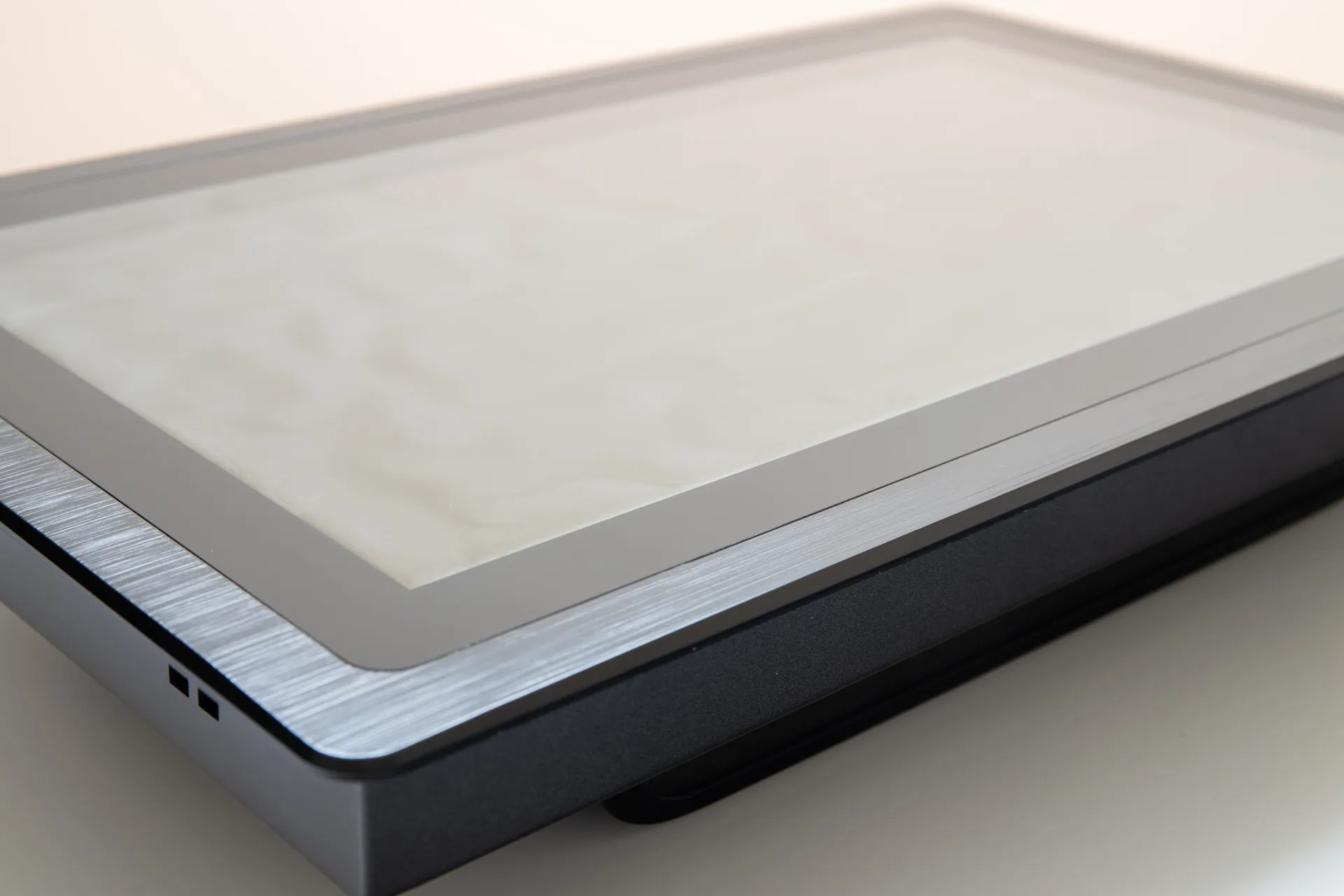
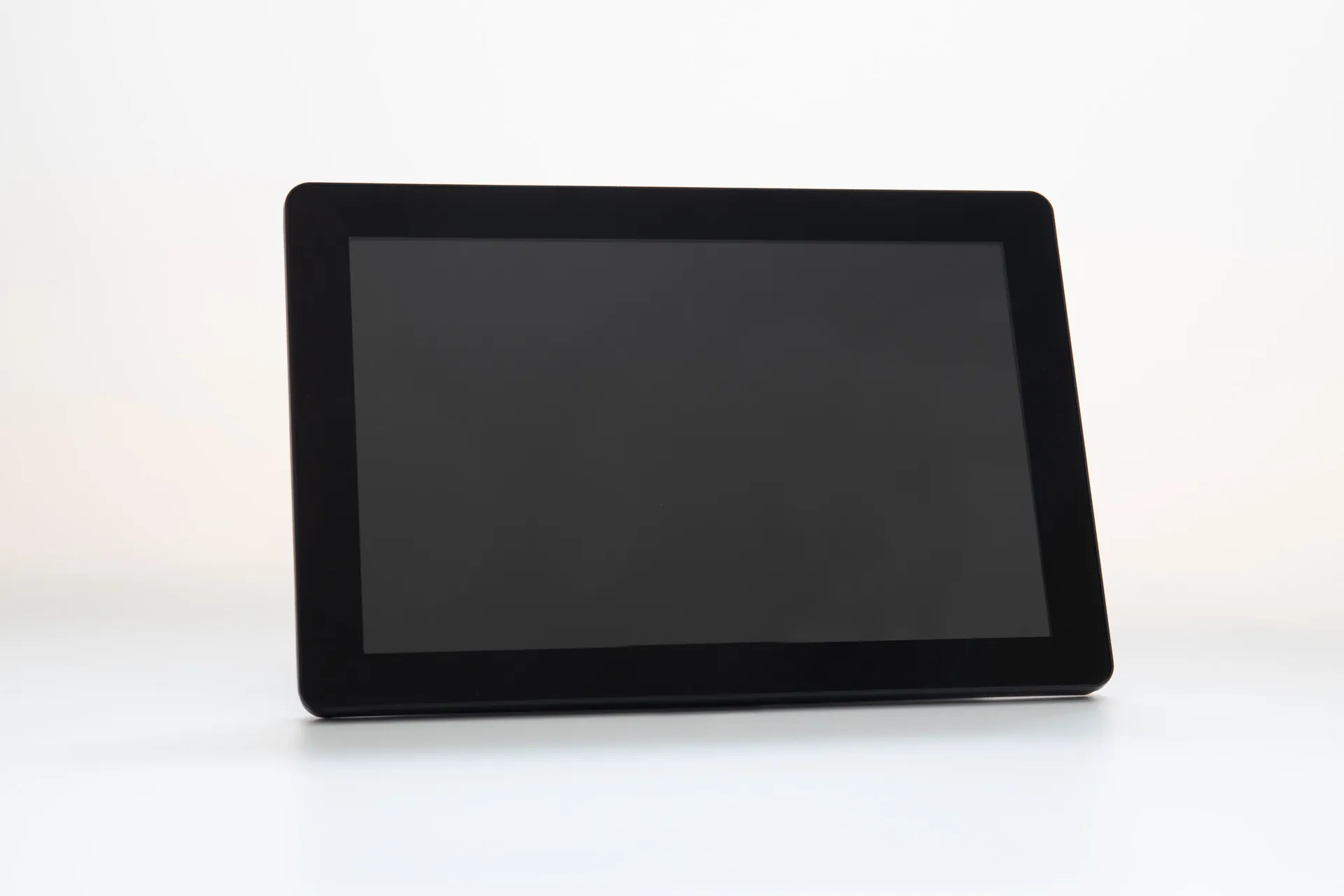
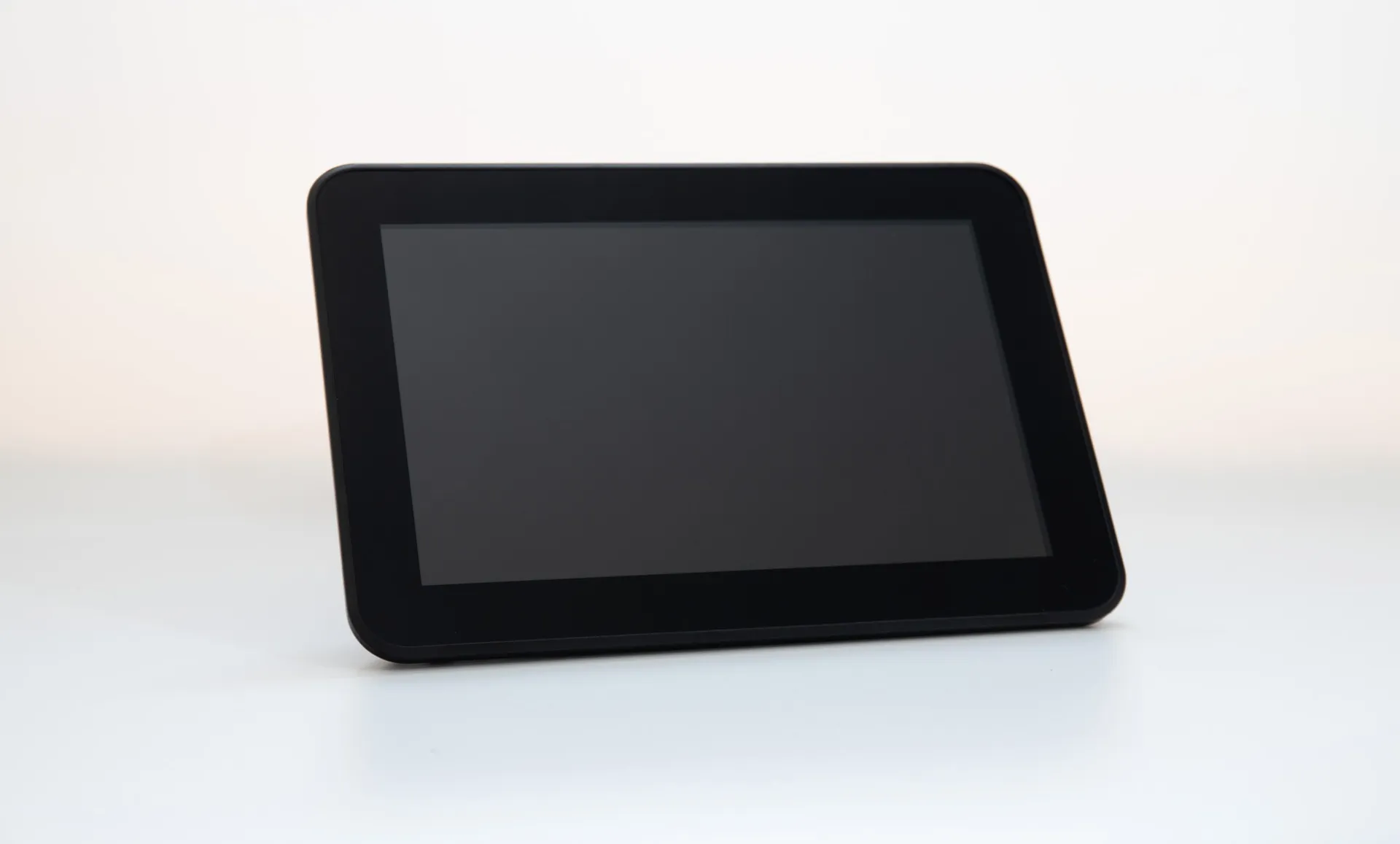
Windows 10 versions of the 10.1 and 15.6 inch metal screens are made to order.
Set up in four steps.
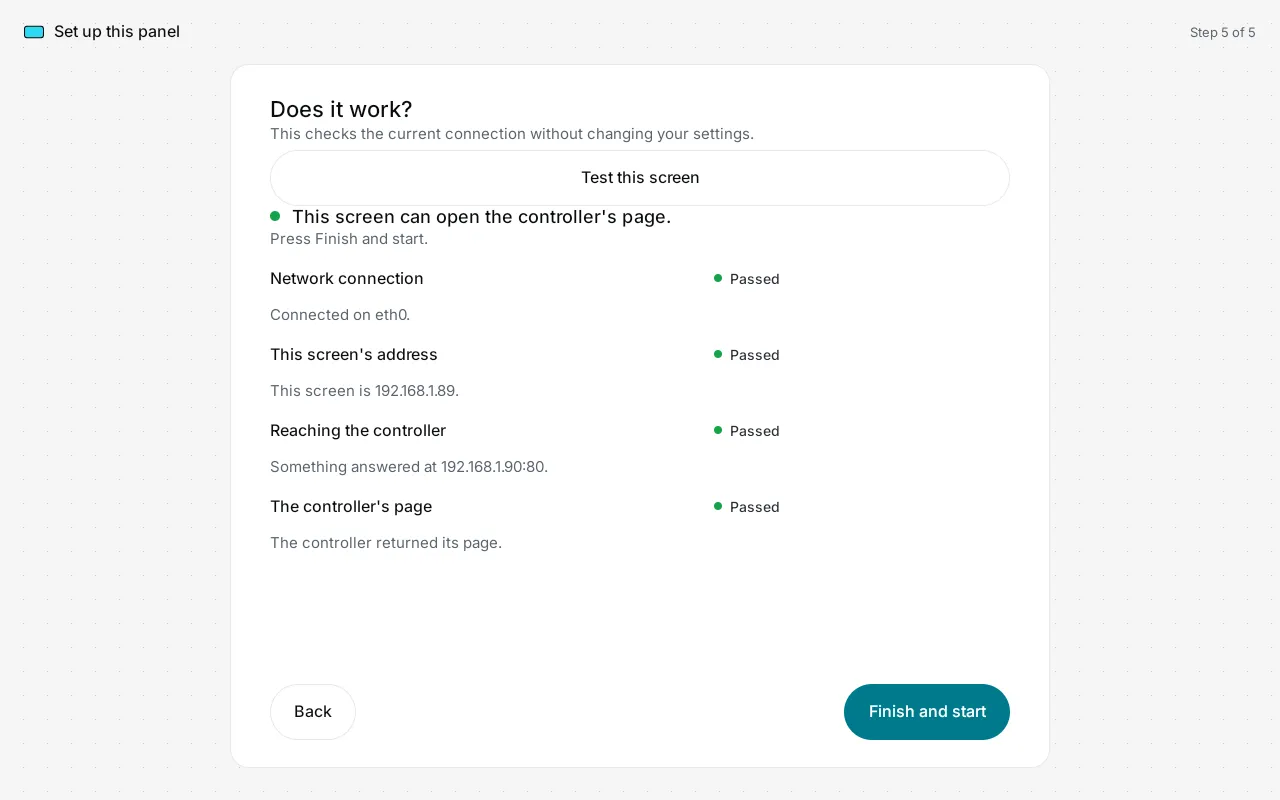
No laptop, nothing to install. The Vorex App does the rest.
- 01
Cut and clamp.
Cut the door to the drawing for your model and clamp the screen in from behind.
- 02
One cable.
Run a Cat5 or Cat6 cable from the controller to the screen’s network port.
- 03
Point it at the controller.
Enter the controller’s address in the Vorex App. Add a port or a path if it needs one.
- 04
Lock it.
Turn the lock on. From then on the screen opens on the controller’s page after every restart.
Graphics on the panel itself.
Draw the plant once in your browser and run it on the screen: BACnet values, schedules, overrides, trends and alarms, with no supervisor on site.
- Import the EDE file
- Drag a point onto a symbol
- Back to Auto clears the override
- Alarms come to the screen
Every drawing and document, in one place.
All downloadsSupport that answers.
Ring or email, and you speak to someone who knows the screens.
+44 (0)1252 669317Monday to Friday, 9:00 to 17:30
Returns: email us first for a returns number.
Trade prices.
Installers and panel builders buy at trade prices. Ask for the price list and the stock position.